NEW March Email Templates: 12 Ready-to-Send Campaigns
Your March email calendar just got easier!
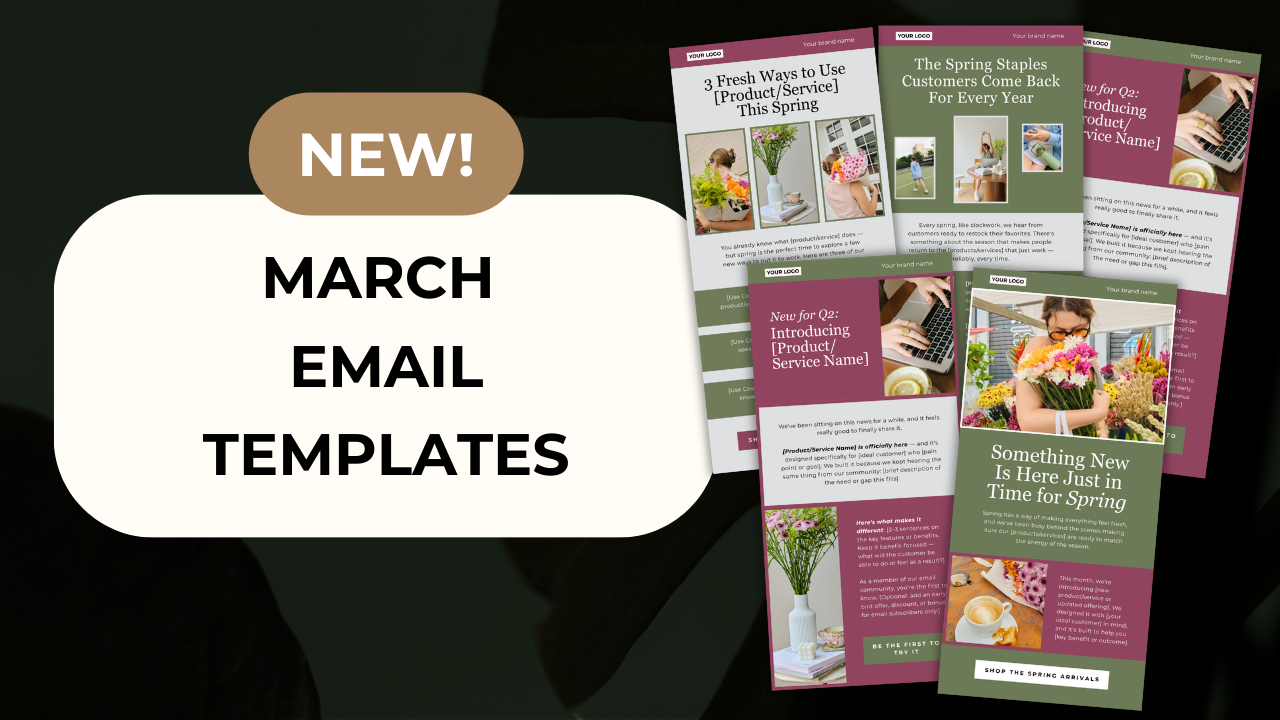
We've just released 12 brand-new email templates for March—each one designed to help you connect with your audience, drive sales, and stay top-of-mind throughout the month.
But here's what makes this month different: we've added a NEW AI prompt that works with any template to help you customize the copy in seconds.
What's Inside the March Template Collection
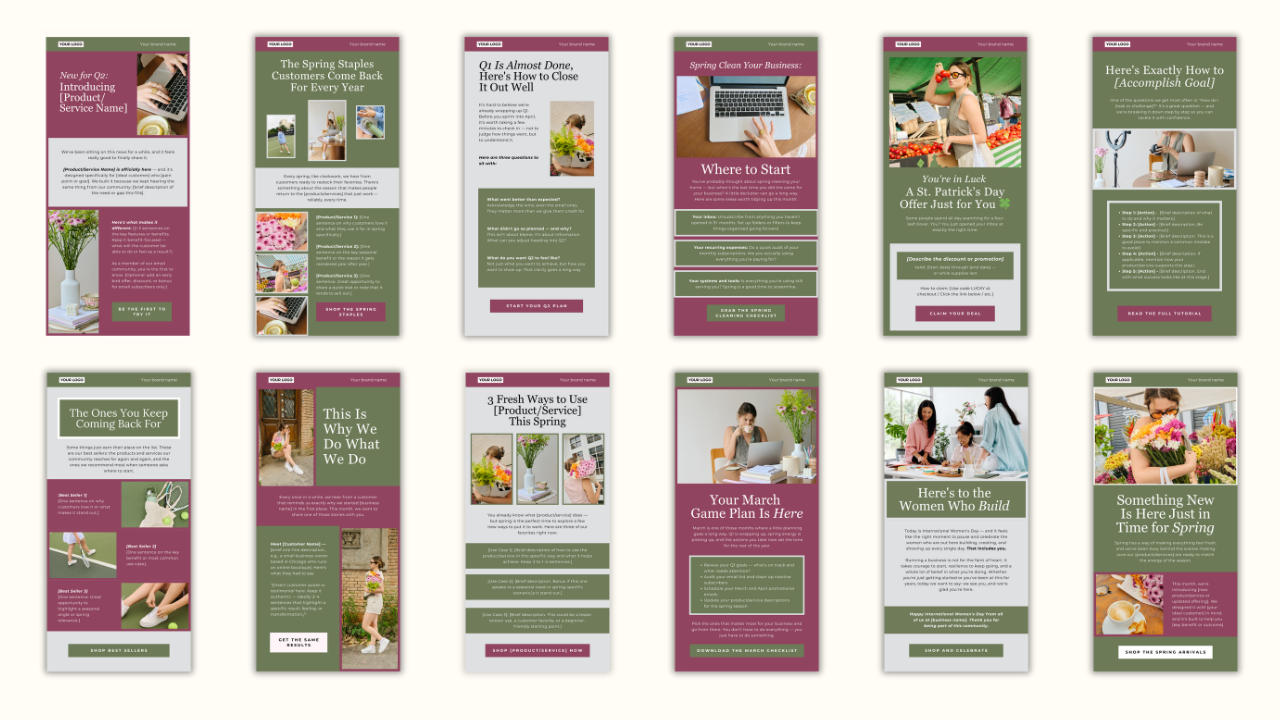
This month's templates cover everything from seasonal promotions to timely holidays and evergreen content your customers actually want to open:
- Spring is Coming – Announce new arrivals or refreshed offerings
- Your Monthly Checklist – Give subscribers something actionable for the month ahead
- International Women's Day (March 8) – Celebrate, spotlight, or share a story
- Client/Customer Spotlight – Share a testimonial or success story
- 3 Ways to Use [Product] This Season – Help customers get more value from what they already bought
- Best Sellers Roundup – Highlight your most popular products or services
- How-To or Tutorial – Teach something relevant to your niche or audience
- St. Patrick's Day (March 17) – Luck-themed promotion or "you're in luck" style offer
- Spring Cleaning Tips – Use as a metaphor for processes, inbox habits, finances, or systems
- End of Q1 Check-In – Help your audience reflect and reset their goals
- Spring Reset: The Products/Services Customers Reorder Every Year – Perfect for subscription or repeat purchase businesses
- New Arrival / New Offer Announcement – Debut something new for Q2
Why These Templates Save You Serious Time
As a small business owner, you're juggling product development, customer service, operations, and a dozen other priorities. The last thing you need is to stare at a blank screen trying to figure out what to email your list this week.
That's exactly why these templates exist.
Each template includes:
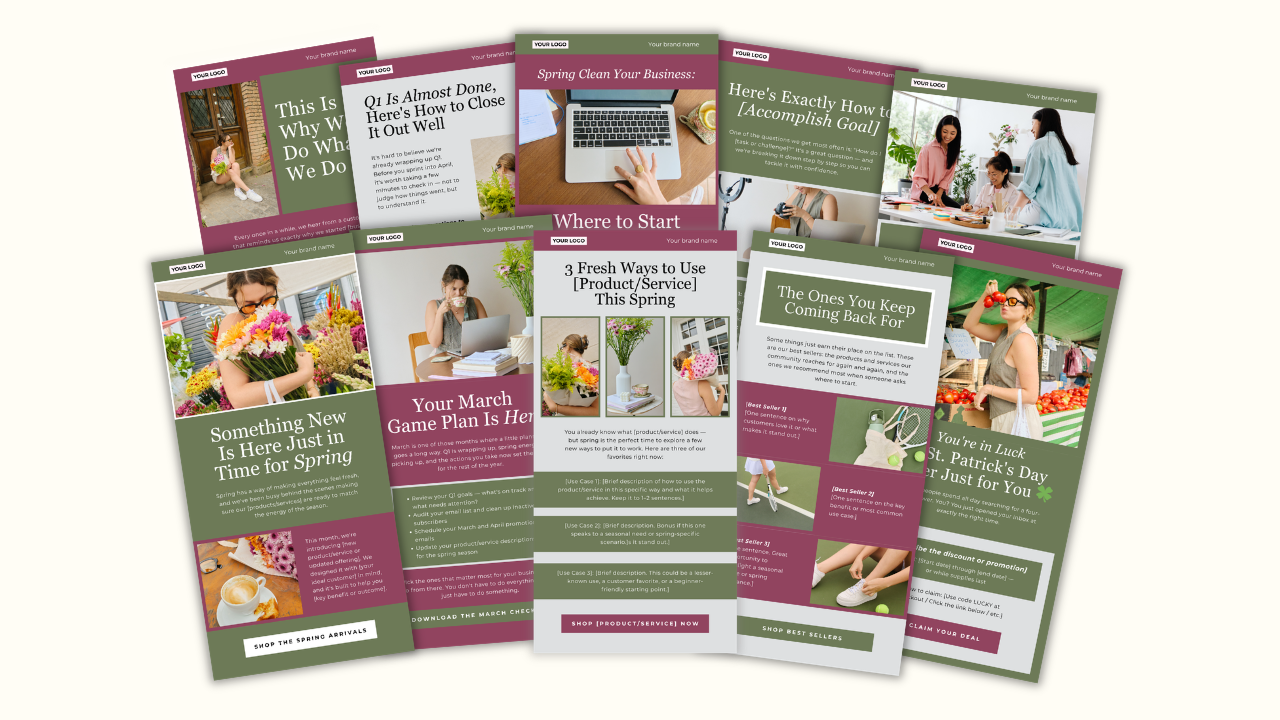
- Pre-designed layout ready to customize in Canva (no design skills required)
- Pre-filled copy prompts so you're never starting from scratch
- NEW: Universal AI prompt to generate personalized copy for any template in under 2 minutes
How the NEW AI Prompt Feature Works
Here's where things get really powerful.
We've created one versatile AI prompt that you can use with any of the March templates (or any template in your membership). This universal prompt helps you adapt any email to your specific business, no matter which template you choose to use.
Simply copy the prompt, paste it into your favorite AI tool (ChatGPT, Claude, or any AI assistant), tell it which template you're working with, and answer a few quick questions about your business. Within seconds, you'll have polished, on-brand copy tailored to that specific campaign.
Example: Whether you're using the "Spring is Coming" template or the "Customer Spotlight" template, the same AI prompt adapts to your needs. Just specify which template you're customizing, share details about your products or services, and the AI generates compelling copy that sounds like you—not a generic template.
You can use the copy as-is or tweak it to match your brand voice. Either way, you're saving hours of writing time.
Who These Templates Are Perfect For
These templates are designed specifically for small business owners who:
- Sell physical products or services
- Want to email their list consistently but don't have time to design from scratch
- Need professional-looking emails without hiring a designer
- Want to sound authentic and engaging without being a professional copywriter
- Are working with a tight marketing budget
Whether you're a boutique owner announcing spring inventory, a coach promoting a new program, or a service provider staying top-of-mind with past clients, these templates have you covered.
How to Use Your March Templates
Step 1: Log into your Email Clubhouse membership
Step 2: Find the March templates and ppen them in Canva
Step 3: Choose the template you want to use and customize it with your brand colors, logo, and images
Step 4: Use the universal AI prompt to generate your personalized copy for that template
Step 5: Copy your final content into your email platform and schedule or send
The entire process takes 15-30 minutes per email. Compare that to the 2-3 hours it typically takes to design and write an email from scratch.
Not a Member Yet? Here's What You're Missing
Email Clubhouse members get unlimited access to:
- 12 fresh email templates every month with seasonal, promotional, and evergreen content
- 350+ templates for sales, product launches, welcome series, and every other marketing moment
- Done-for-you monthly content calendar so you always know what to send
- Copy prompts and universal AI template to speed up your writing process
- Bonus resources including a subject line vault, email KPIs cheat sheet, and welcome series success guide
All for just $24/month at our founding member rate.
If you've been putting off email marketing because it feels too time-consuming or overwhelming, this is your solution. Professional templates, strategic content planning, and AI-powered efficiency—all in one affordable membership.
Ready to transform your email marketing in March? Join Email Clubhouse today and get 50% off your first month. Your future self (and your email list) will thank you.
Transform Your Email Marketing
Join Email Clubhouse to access resources and professionally designed email templates ready to customize and send.
